
Quick Start
After installation, you can immediately start validating your translation files.
Basic Usage
Run the validator on a directory containing translation files:
bash
composer validate-translations ./translationsThe plugin will:
- Scan the directory for translation files
- Automatically detect the file format and grouping strategy
- Run all enabled validators
- Display results in the console
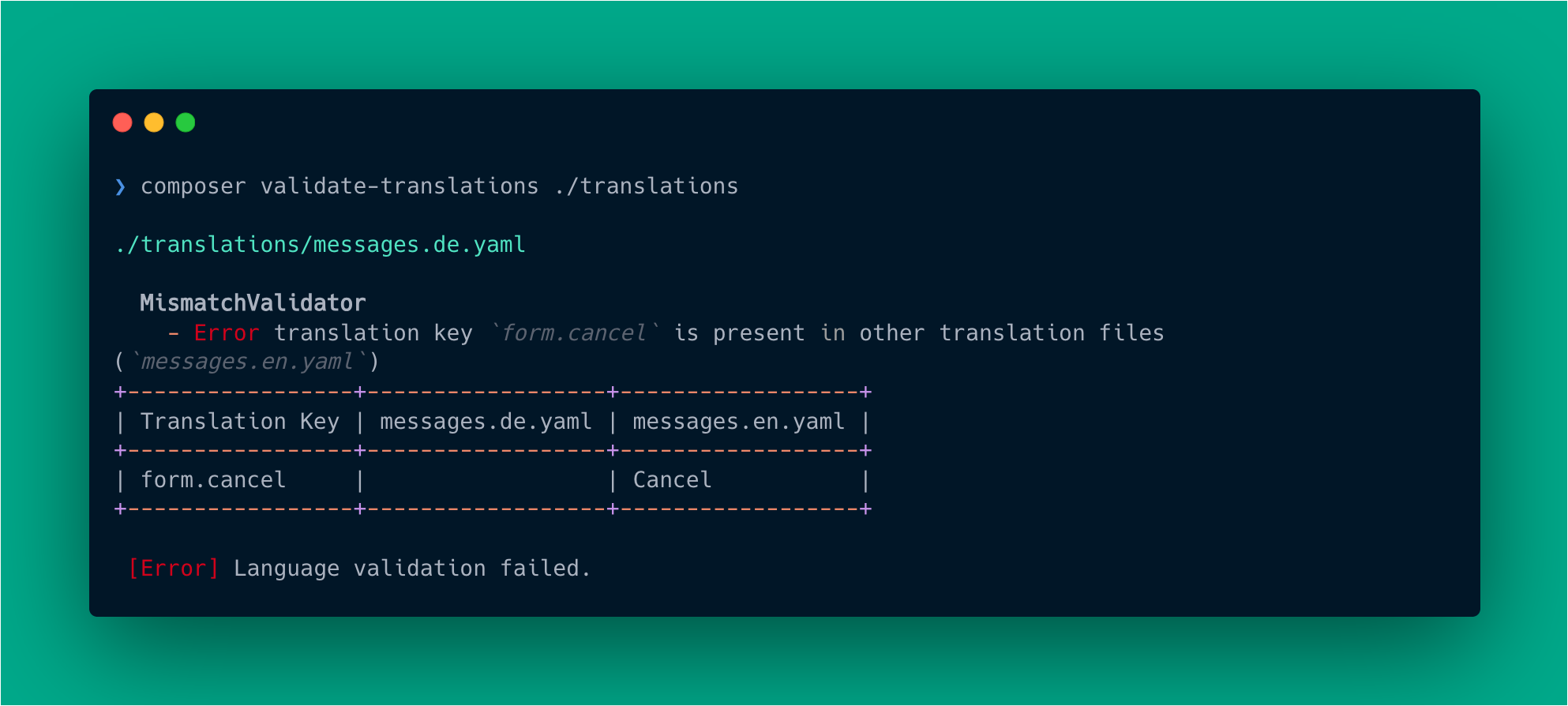
Example Output
Validate Multiple Paths
You can specify multiple paths:
bash
composer validate-translations ./translations ./resources/langRecursive Search
Search subdirectories recursively:
bash
composer validate-translations ./translations --recursiveVerbose Output
Get detailed information about each issue:
bash
composer validate-translations ./translations --verboseOr use the short form:
bash
composer validate-translations ./translations -vStrict Mode
Treat warnings as errors (useful for CI/CD):
bash
composer validate-translations ./translations --strictDry Run
Test validation without failing the command:
bash
composer validate-translations ./translations --dry-runOutput Formats
JSON Output
bash
composer validate-translations ./translations --format jsonGitHub Actions Format
bash
composer validate-translations ./translations --format githubUsing a Configuration File
For repeated use, create a configuration file:
yaml
# translation-validator.yaml
paths:
  - translations/
  - resources/lang/
strict: true
exclude:
  - "**/backup/**"
Then run without arguments:
bash
composer validate-translationsSee Configuration for all available options.
Running Specific Validators
Run only certain validators:
bash
composer validate-translations ./translations --only "MoveElevator\\ComposerTranslationValidator\\Validator\\MismatchValidator"Skip specific validators:
bash
composer validate-translations ./translations --skip "MoveElevator\\ComposerTranslationValidator\\Validator\\DuplicateValuesValidator"Next Steps
- Configuration - Customize validation behavior
- CLI Reference - Full command documentation
- Validators - Detailed validator documentation